ACH Transfer Guide
zoe19.4K views
ACH TRANSFER GUIDE STEP-BY-STEP
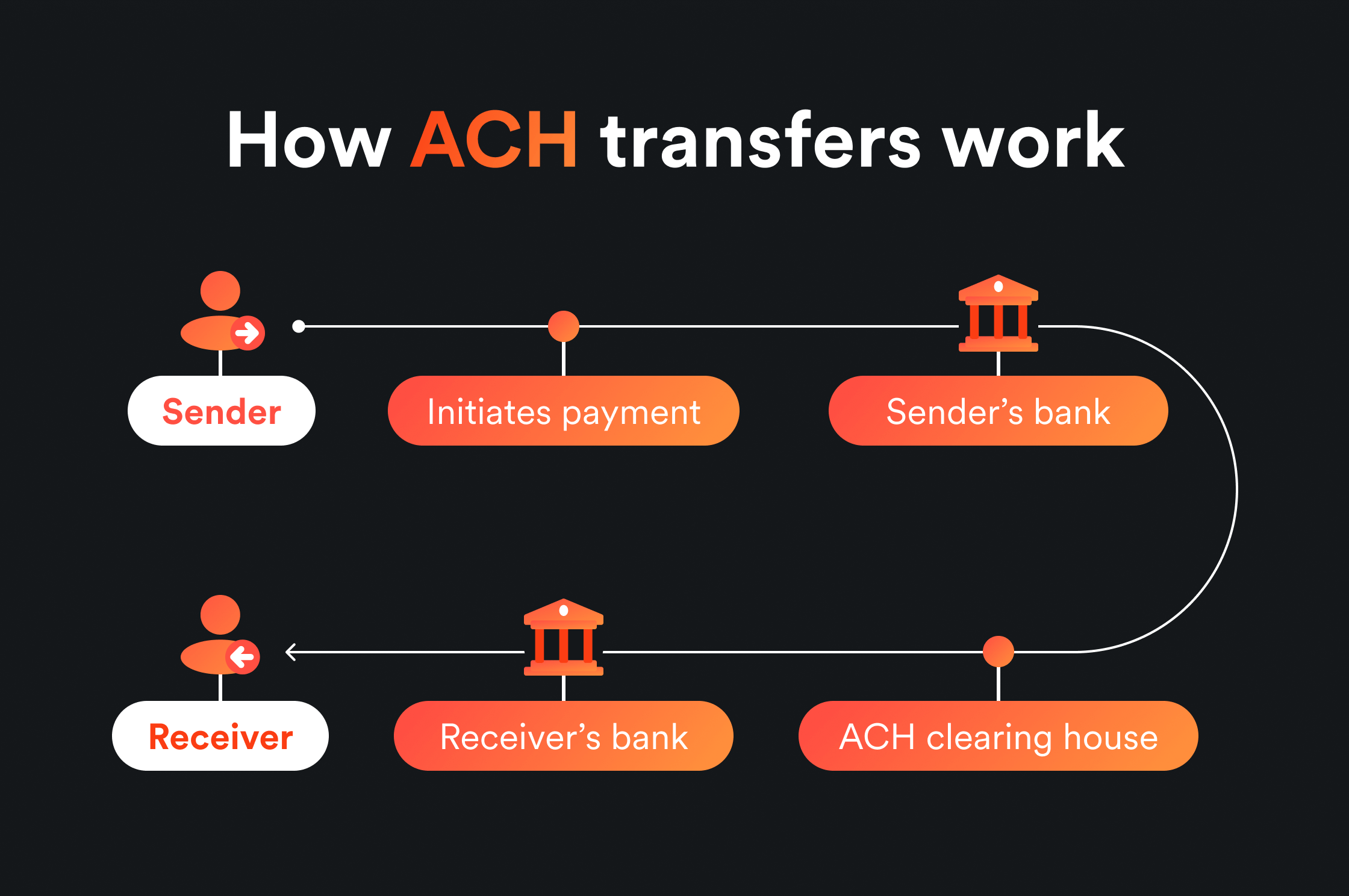
ACH (Automated Clearing House) is a system used for making payments and transferring funds between banks. It allows businesses, individuals, and financial institutions to send and receive payments electronically through the ACH network. Here's how to use it:
Requirements:
- Email Access to Bank Log
- Account for Transfer
Step-by-Step Instructions:
1. Add the Bank Log Manually
- Important: Never add the bank log by logging in directly. Always input the details manually.
2. Enter Account Details
- Add the Account Number and Routing Number of the bank log.
3. Send Trial Deposits
- After entering the bank log information, click on Trial Deposits.
- Two small deposits will be sent to the bank log within 24 to 48 hours.
Note: The main reason you need email access to the bank log is to avoid using an OTP bot.
4. Confirm Trial Deposits
- After the two trial deposits appear in the bank log, write down the exact amounts.
- Enter these amounts on the account you are transferring to in order to verify it.
5. Make Your Transfer
- Once the deposits are verified, proceed with your transfer based on the available balance in the bank log.
6. Wait for the Funds
- Your money will be deposited from the bank log into your target account within 24 to 48 hours.
Tips:
- Best Banks for ACH Transfers: Navy Federal and Truist Bank are highly recommended.
- Receiving Accounts: Any account can receive ACH transfers as long as ACH is enabled on it.
- Key Point: The process is simple—just follow the steps and click the right buttons.
This guide ensures you understand each step clearly and can follow the process without confusion.
Connect
Community
13,374members· 1,718 online
New posts, drops, and announcements land here first. Join and the bot notifies you the moment they go live.