
Zelle Transfer via Chase Bank
zoe9.7K views
A lot of individuals have been asking me about Zelle Transfers with bank logs and since I have y'alls best interests at heart I will give you a guide.
If you have not read our last guide on how to rinse a Chase Bank log I suggest you go read up on it now.
Chase Bank CashoutSTEP 1
You need to link your Google Voice to the Chase.
IT IS VERY IMPORTANT to tick this phone to become primary!!!
STEP 2
Then we add the recipient to the log with Mail/Number and name and then let it sit for 30 minutes binded.
STEP 3
You will send max limit for Zelle transfers. And if you get a review don't panic. It happens to every bank Zelle transfer.
STEP 4
This step sucks because you have three outcomes especially depending on the bank.
- A - the transaction successfully sends and is credited to the recipient
- B - You clip the log and have to call up to unblock it.
- C - A rep calls you
STEP 5
Let's elaborate more on the rep calls cause you'll typically avoid answering them because of not knowing what to do in that situation.
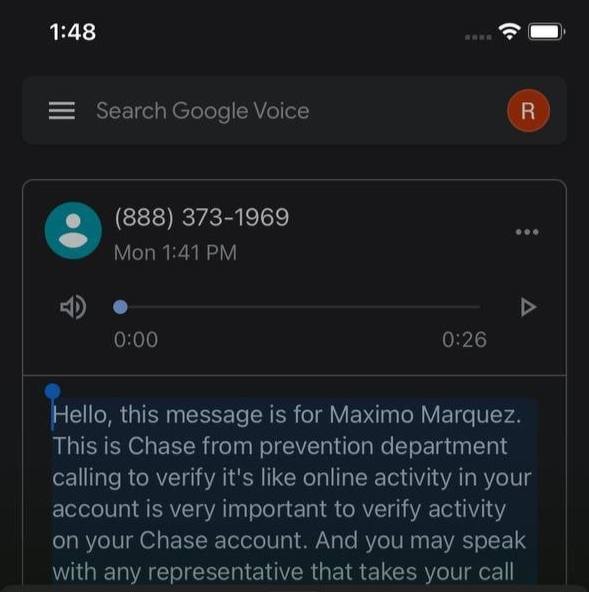
STEP 6
As you can see here when you don't pick up for chase they lock the account.
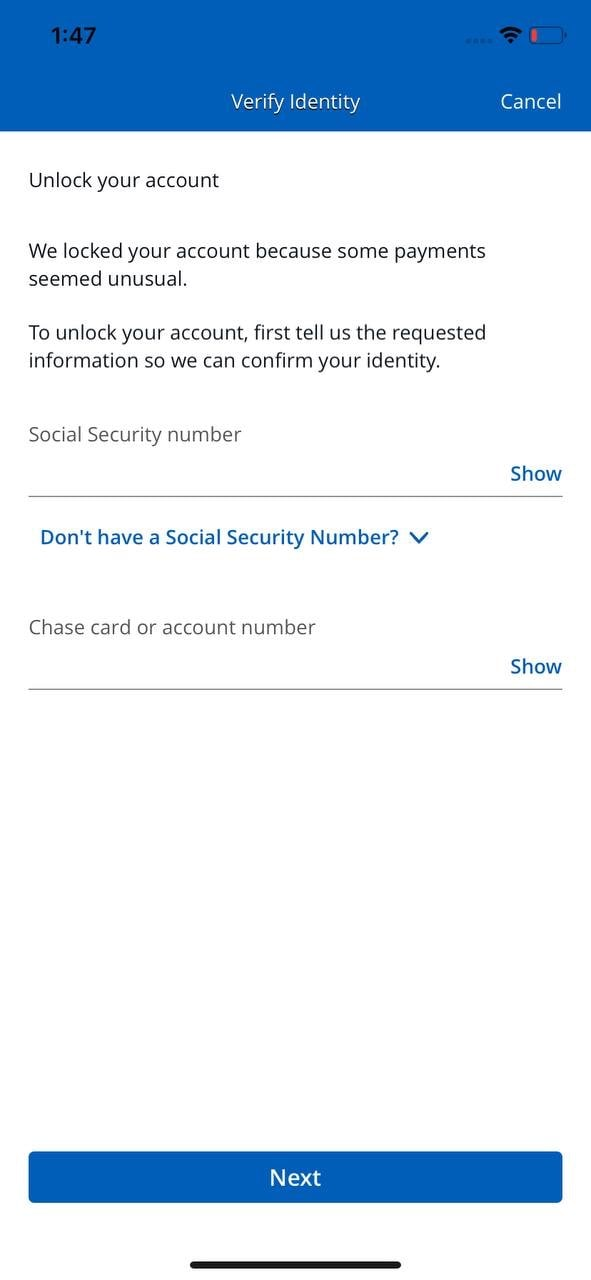
If anything this information is simple to obtain for free at v0v0index
STEP 7
You will have to do a second Zelle send since the first one gets cancelled after the account being locked if this happens again you will have to get on a call with a rep and they'll ask you the same questions the form had asked.
After that the send should be successfully done and have landed in the recipients bank.
Connect
Community
13,374members· 1,721 online
New posts, drops, and announcements land here first. Join and the bot notifies you the moment they go live.