It’ll ask you a few business questions just match it closely to whatever the niche of your store will be.
Once you're in
STEP 2
Teachable is a trial version so you have to work quickly. I recommend starting on Mondays so you have the entire week of your trial to setup shop and bring in the funds. If you wait on days like Thursday, or Friday maybe even Wednesday you risk having your funds getting held a lot longer because we are working on Stripe’s terms here.
Verification
STEP 3
Teachable itself doesn’t ask for any verification.
Like most payment platforms that operate through Stripe. They only allow payments to start flowing through as soon as you sign into / create a Stripe account.
Enable Payments
STEP 4
This part is under Settings>Payments you will be asked about your Country, State and ZipCode (Match this accurately to your Stripe account).
Course
STEP 5
You’ll have to create a course to your likings with Title, Image, Price, etc just like any other platform before you publish.
Once that’s done you can copy link and start pulling funds through.
Types of Payments
STEP 6
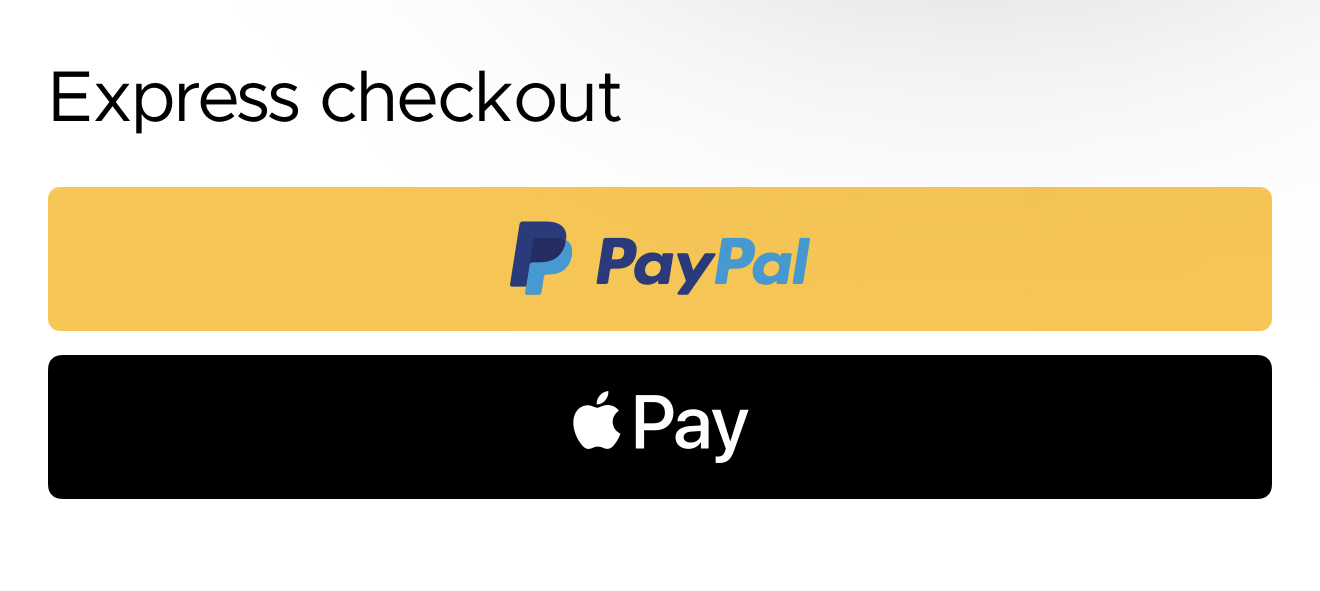
Express Checkout which is PayPal and Apple Pay
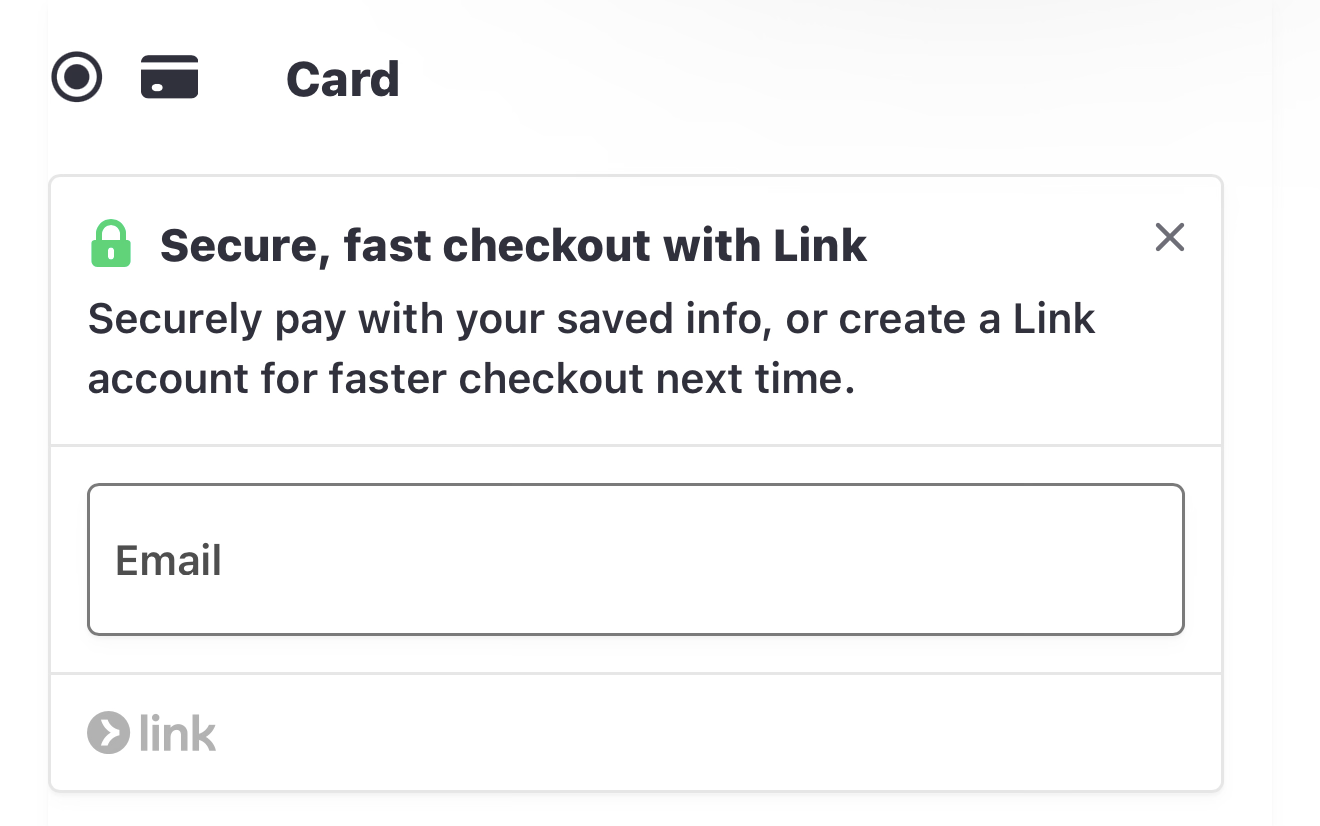
A drop down below the “Card” header encouraging a faster checkout with Link.
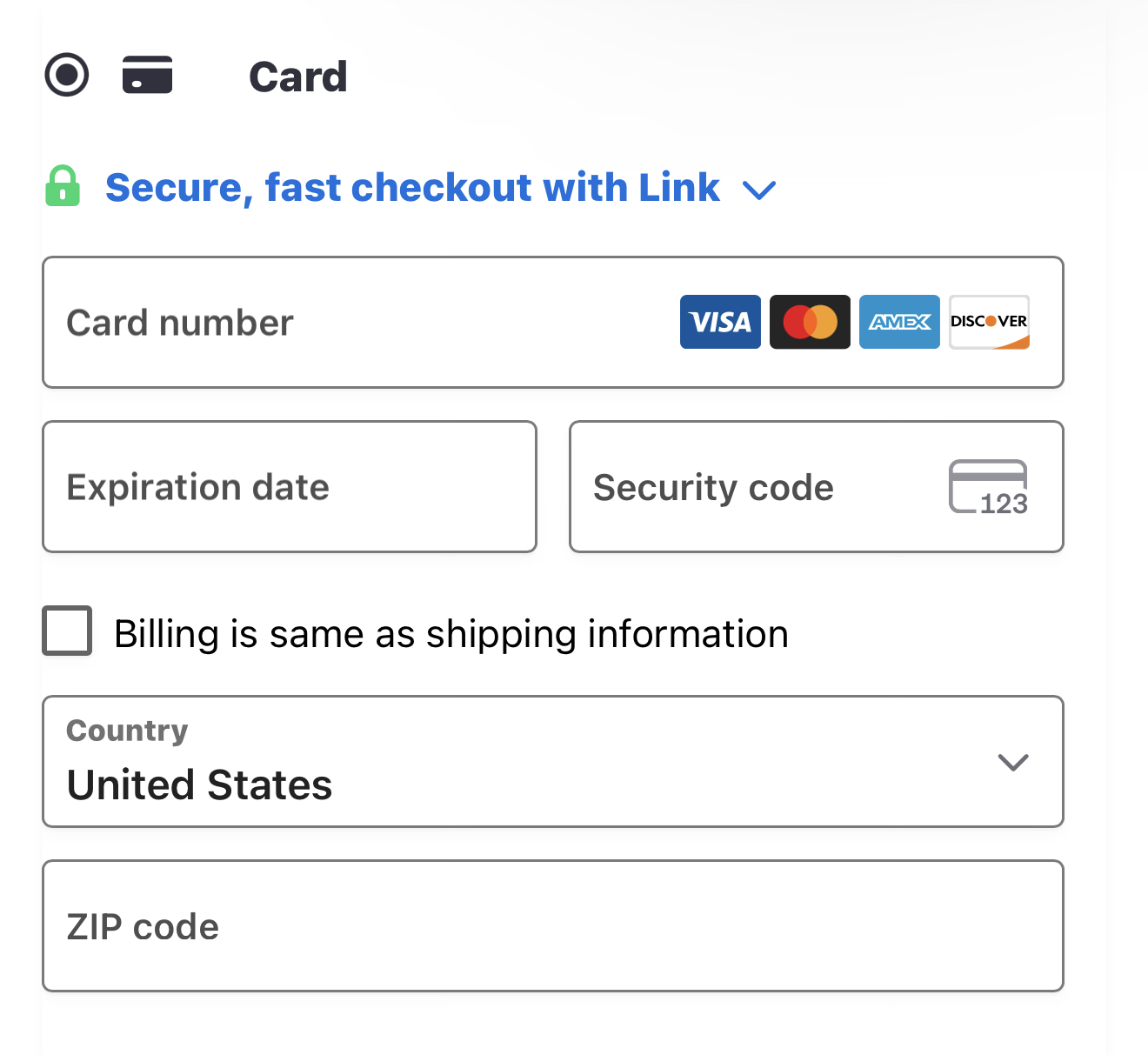
Visa Mastercard Amex and Discover card payment
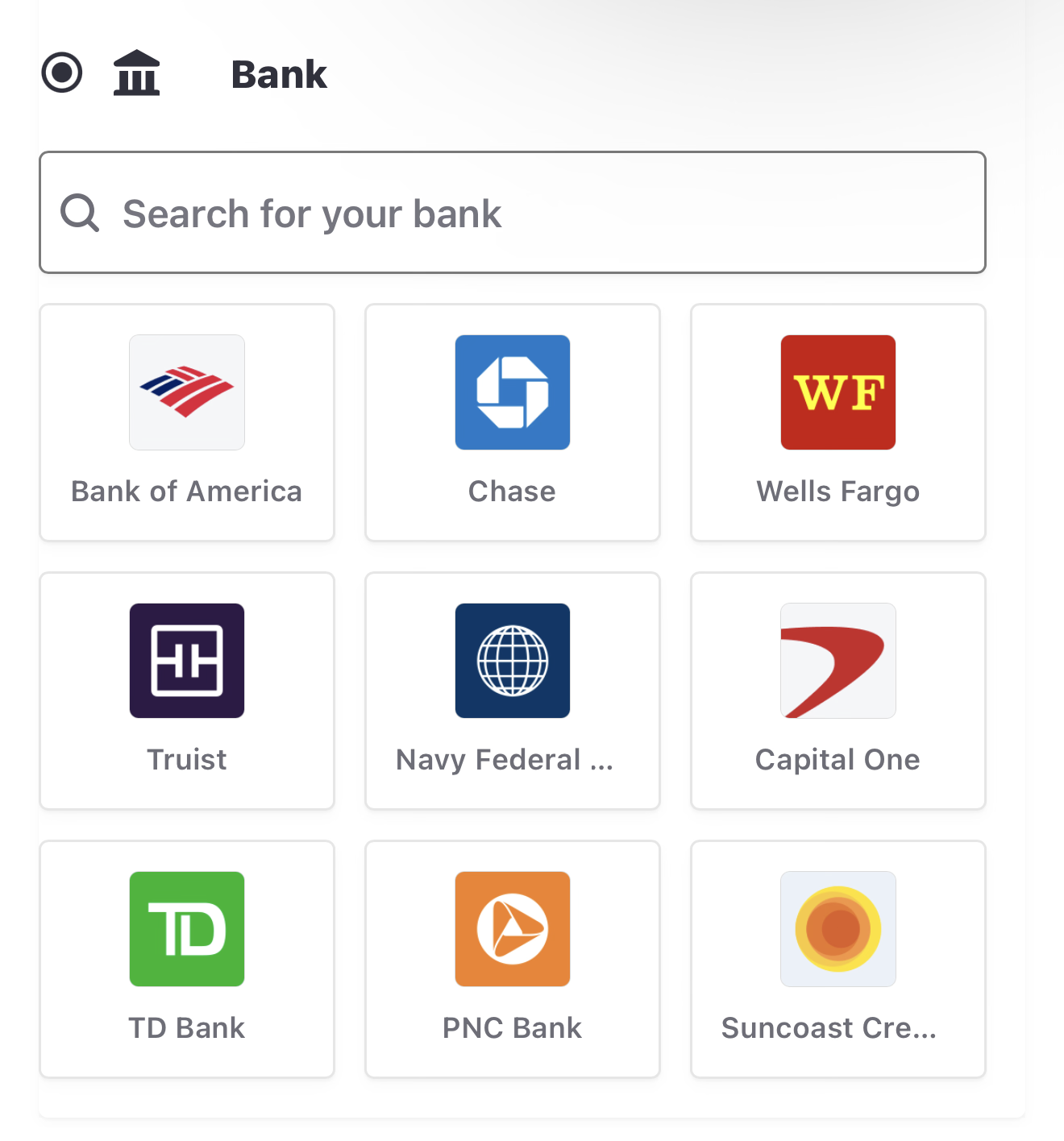
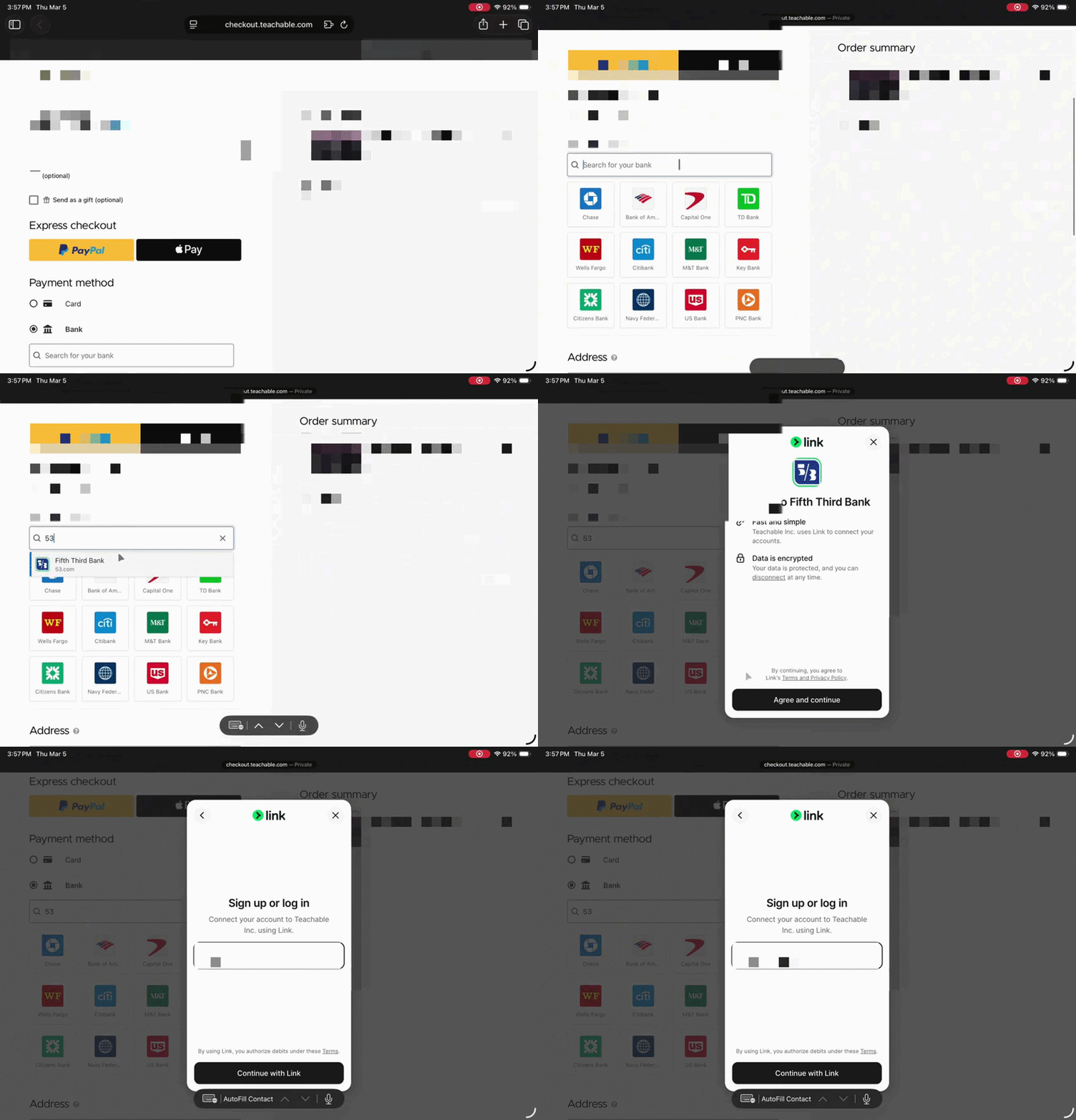
Bank payment
You can choose either options 1-4 depending on what exactly you are comfortable with. But I went ahead and choose bank payment.
Payouts
STEP 7
Using bank is extremely different than using a card. It’ll preauth the bank which takes more time on top of Stripes payout time. So we are looking to about a full week here.